We see this pattern constantly: a sales team using 4-5 platforms to find companies, pull contact data, and run outreach. The process has turned into a copy-paste marathon. Someone spends hours jumping between systems just to build a single list.
The deeper problem? Your ICP can’t be filtered reliably in the tools you’re using. The key attributes you need to qualify accounts aren’t available as search criteria. So you end up sorting manually or scraping external sites just to confirm basic fit.
That doesn’t scale.
The Real Problem
Most lead databases let you filter on basics: industry, company size, location, maybe tech stack. But your actual ICP is more nuanced.
You might need to know:
- Do they sell B2B or B2C?
- Are they actively hiring for sales roles?
- Do they have an active content presence?
- What’s their pricing tier (SMB vs enterprise)?
- Are they funded or bootstrapped?
- Do they have a specific integration or feature on their site?
None of that shows up in Apollo or ZoomInfo filters. So someone manually checks websites, LinkedIn profiles, and review sites to confirm fit. One lead at a time.
That’s the bottleneck.
The Solution: AI-Powered Lead Scoring
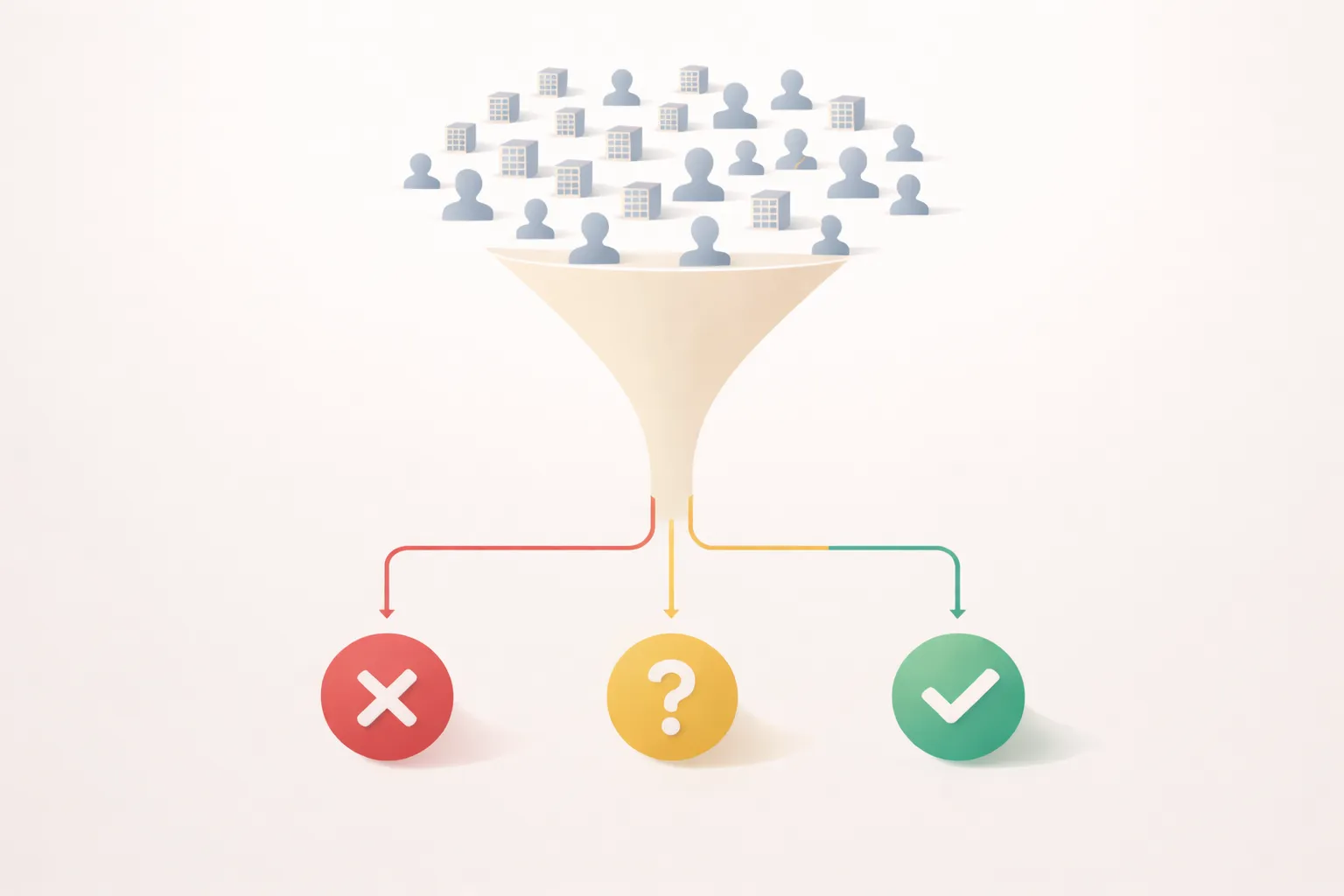
Here’s the approach: instead of filtering upfront, you pull a broader list and let AI qualify each lead based on multiple factors.
Every subjective decision your team makes is the product of many factors looked at together. AI can do the same checks, either deterministically for objective metrics or through reasoning for subjective ones.
The output is a score for each factor, a weighted total, and a pass/fail decision.
How to Build It
Step 1: Define Your ICP Factors
Write down everything that makes a lead “good” for you. Be specific.
Example for a B2B SaaS selling to e-commerce:
| Factor | What You’re Looking For |
|---|---|
| Business Model | Sells products online (not services) |
| Scale Indicators | Has 10+ products listed, active inventory |
| Social Presence | Active on Instagram or TikTok |
| Website Quality | Professional design, not a template |
| Pricing Tier | Average product price > $50 |
| Geography | Ships to US or is US-based |
You probably have 5-10 factors that actually matter. List them all.
Step 2: Determine How to Check Each Factor
Some factors can be checked programmatically. Others need AI to interpret.
• Industry classification
• Tech stack (via BuiltWith API)
• Social follower counts
• Job postings (via API)
• B2B vs B2C determination
• Content quality/activity
• Product/pricing analysis
• Overall brand positioning
For AI checks, you scrape or screenshot the website and ask specific questions:
“Based on this company’s website, answer the following:
- Do they sell primarily to businesses (B2B) or consumers (B2C)?
- What is their approximate price point (budget/mid-market/enterprise)?
- Do they have an active blog with posts from the last 3 months?
- Rate the website design quality from 1-10. Return answers as JSON.”
AI handles this reliably. It won’t be perfect, but it’s consistent and fast.
Step 3: Assign Weights
Not all factors matter equally. Maybe product fit is a dealbreaker, but social presence is just a bonus.
| Factor | Weight | Dealbreaker |
|---|---|---|
| Business Model (B2B/B2C) | 2x | Yes |
| Scale Indicators | 1.5x | No |
| Social Presence | 1x | No |
| Website Quality | 1x | No |
| Pricing Tier | 1.5x | No |
| Geography | 1x | Yes |
Dealbreakers eliminate the lead regardless of total score (score = 0). Everything else contributes to a weighted average.
Step 4: Set Thresholds
After scoring, you need cutoffs:
- Score > 75: Auto-qualify, move to outreach
- Score 50-75: Manual review
- Score < 50: Auto-disqualify
These numbers are arbitrary to start. You’ll tune them based on results.
Step 5: Build the Automation
The workflow looks like this:
- Pull leads from your database (Apollo, ZoomInfo, LinkedIn, etc.)
- Enrich with any programmatic data (tech stack, job postings, social stats)
- Scrape websites for each lead
- Run AI analysis on the website content
- Calculate scores based on weights and factors
- Route leads based on threshold (qualify/review/disqualify)
This runs in Make, n8n, or any automation platform with HTTP and AI capabilities. A batch of 100 leads processes in minutes, not hours.
Example Output
Here’s what the scoring looks like for a single lead:
Company: Acme Outdoor Gear
Website: acmeoutdoor.com

Factor Scores:
  Business Model: B2C (matches) → 10/10
  Scale: 50+ products, active inventory → 8/10
  Social Presence: 12K Instagram, posts weekly → 7/10
  Website Quality: Professional, custom design → 9/10
  Pricing Tier: Avg product $85 → 8/10
  Geography: US-based, ships domestically → 10/10

Weighted Score: 84/100
Decision: AUTO-QUALIFY
Your sales rep sees the score and the breakdown. They can override if needed, but most of the filtering happened automatically.
The Feedback Loop
The system gets better over time.
Track which qualified leads actually convert. If high-scoring leads aren’t converting, adjust the weights. If you’re missing good leads in the disqualify bucket, lower thresholds or add factors.
After a few hundred leads, you’ll have a scoring model that matches your team’s intuition, running automatically.
What This Actually Saves
The math is simple.
That’s not a marginal improvement. That’s the difference between prospecting being a bottleneck and prospecting being a background process.
The Catch
This won’t be perfect on day one. AI makes mistakes. Some good leads will get filtered out. Some bad leads will slip through.
But here’s the thing: your manual process isn’t perfect either. People get tired, skip steps, apply criteria inconsistently. At least with automation, you can measure accuracy and improve systematically.
If AI isn’t delivering results right away, see why that doesn’t mean it’s not working—context and expectations matter.
Start with a subset of leads. Compare AI decisions to human decisions. Tune until they align. Then scale.
The copy-paste marathon isn’t a workflow problem. It’s a qualification problem disguised as a workflow problem. Once you can qualify leads automatically based on your actual ICP criteria, the rest of the process simplifies dramatically.
If your team is spending hours confirming basic fit one lead at a time, the data you need is sitting on company websites. You just need a system to extract it.