AI's Not Working for You? Maybe You're Being Unfair to It
The difference between AI that disappoints and AI that delivers comes down to one thing: context. Here's how to give it what it actually needs.
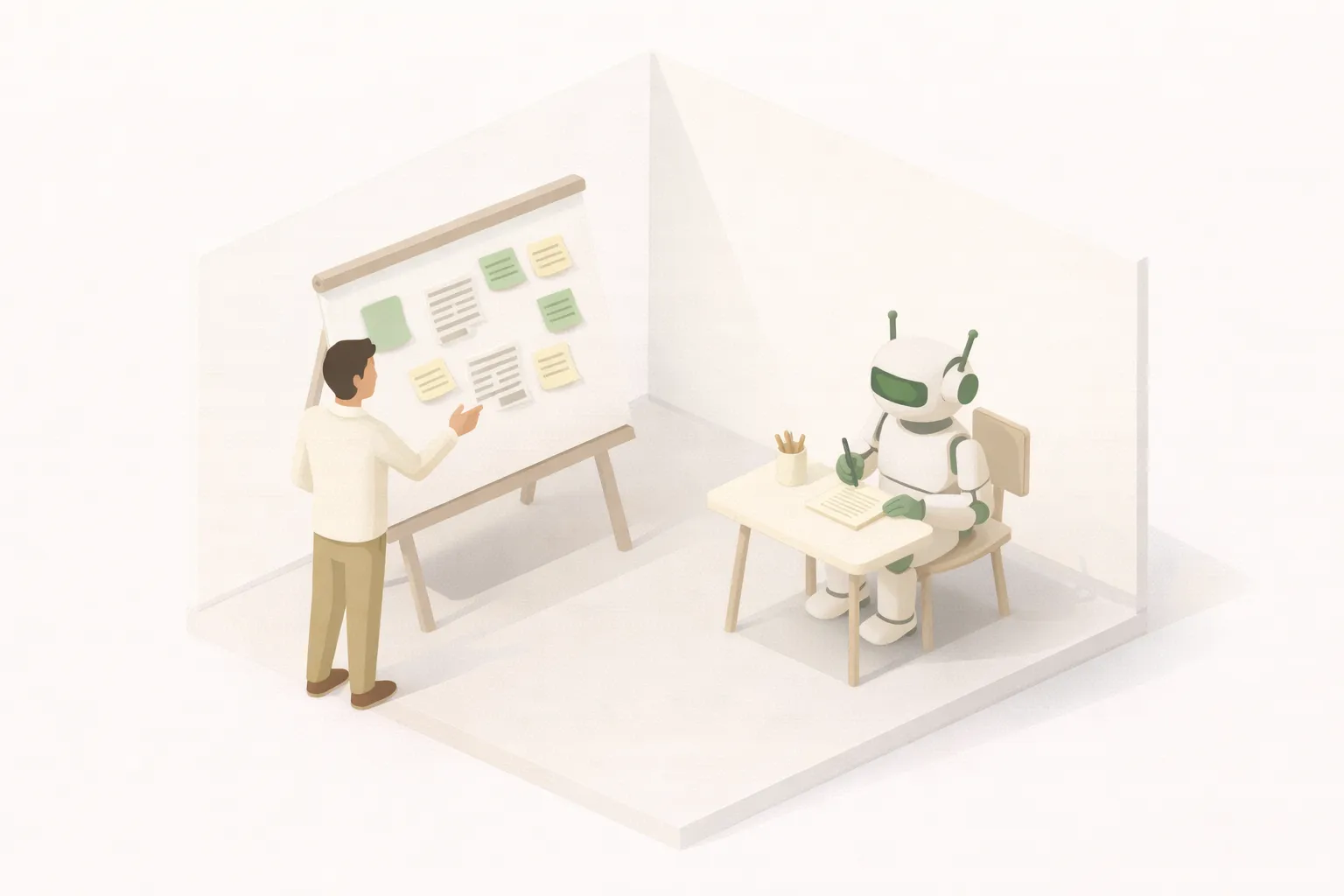
Let’s say you own a real estate business and you want a team member to write a property description for Zoopla.
Would you tell them “Write a property description for 42 Oak Street” and walk away?
Maybe. But here’s what’s happening behind the scenes that you’re not thinking about:
- They can see all the property details open on their screen
- They have access to past listings that performed well
- They have a sense of what typical Zoopla posts look like
- There’s probably an SOP or best-practice notes somewhere
- They have their own memory of what worked and what didn’t
Now ask yourself: when you ask AI to write that same property description, how much of that context are you providing?
If the answer is “none” or “barely any”—congratulations, you’ve just discovered why AI “doesn’t work.”
The Context Gap
Here’s what most people do with AI:
Here’s what they should be doing:
3-bed Victorian terrace, Clapham, £650k asking price
Recently renovated kitchen, south-facing garden, 5 min walk to Clapham Common tube, original period features, new combi boiler installed 2024
Example listing 1: "A beautifully presented..."
Example listing 2: "This charming Victorian..."
Example listing 3: "Nestled on a quiet..."
Tone: warm but professional. Never use 'stunning' or 'must-see'. Lead with lifestyle, not specs.
Target: Young professionals and families relocating to South London
Max 200 words. End with call-to-action."
The second prompt takes 60 seconds longer to write. The output is 10x better.
AI isn’t magic. It’s pattern matching on steroids. The more relevant patterns you give it, the better it matches what you actually want.
”But If I Need to Give It All That, I Might As Well Do It Myself”
This is where people get stuck—and it’s a fair point if you’re just chatting with ChatGPT.
Copy-pasting property details, past examples, style guides, and context into a chat window every time you need a listing? You’ll be at it until dinner.
But here’s the thing: you don’t have to do that manually.
This is where automation changes the game. Imagine clicking one button and:
- Your CRM pulls the property details
- Your database grabs your 5 best-performing listings as examples
- Your style guide gets embedded automatically
- A pre-tested prompt wraps it all together
- AI generates a polished first draft
- It lands in your inbox (or Slack, or Notion) ready for review
That’s not science fiction. That’s a few hours of setup with tools like Make or n8n.
The Real ROI Calculation
People often say “AI saves time” without doing the actual math. Let me fix that.
For a business doing 20 listings a month, that’s the difference between 12 hours of work and 2 hours. And the quality is actually better because the AI has more context than you’d remember to include manually.
When AI Actually Pays Off
Here’s the uncomfortable truth: AI only pays off for tasks you do regularly.
Using AI to write a one-off company bio? Probably faster to just write it yourself.
Using AI to write 50 property listings a month? Absolutely worth building the system.
The breakeven point for building an AI automation is usually around 5-10 repetitions. If you’re going to do something more than 10 times, invest the time upfront to give AI what it needs.
What “Good Context” Actually Looks Like
When building AI automations, here’s what we typically include:
For written content:
- 3-5 examples of ideal output
- Tone and style guidelines
- Target audience description
- Specific constraints (word count, format, required elements)
- Industry-specific terminology
For data processing:
- Clear schema of input and expected output
- Edge cases and how to handle them
- Validation rules
- Examples of tricky scenarios
For decision support:
- Relevant historical data
- Business rules and policies
- Criteria for different outcomes
- Examples of past decisions and their reasoning
The pattern? Everything a competent team member would have access to.
The Mindset Shift
Until AI becomes smarter than all of us combined (and that day may come), treat it like a genius intern on their first day.
They’re incredibly capable. They can process information faster than any human. They’ll work 24/7 without complaining.
But they don’t know:
- Your company’s quirks and preferences
- What worked last time
- The unwritten rules everyone follows
- The context that seems “obvious” to you
Give them everything they need. Stop expecting them to read your mind.
The Bottom Line
AI that disappoints is usually AI that’s starving for context.
The fix isn’t better prompts—it’s systems that automatically provide the context so you don’t have to think about it every time.
That’s the difference between “AI is overhyped” and “AI just 10x’d my output.”
For more on what makes AI actually work in business, see 3 Conditions for a Successful AI Implementation.
Written by
Eduardo Chavez
Director, Costanera