How AI Analyzed 11,000 Messages to Reduce Churn
A home services company was drowning in customer messages. We built AI that scores, flags priorities, and surfaces at-risk customers before they churn.
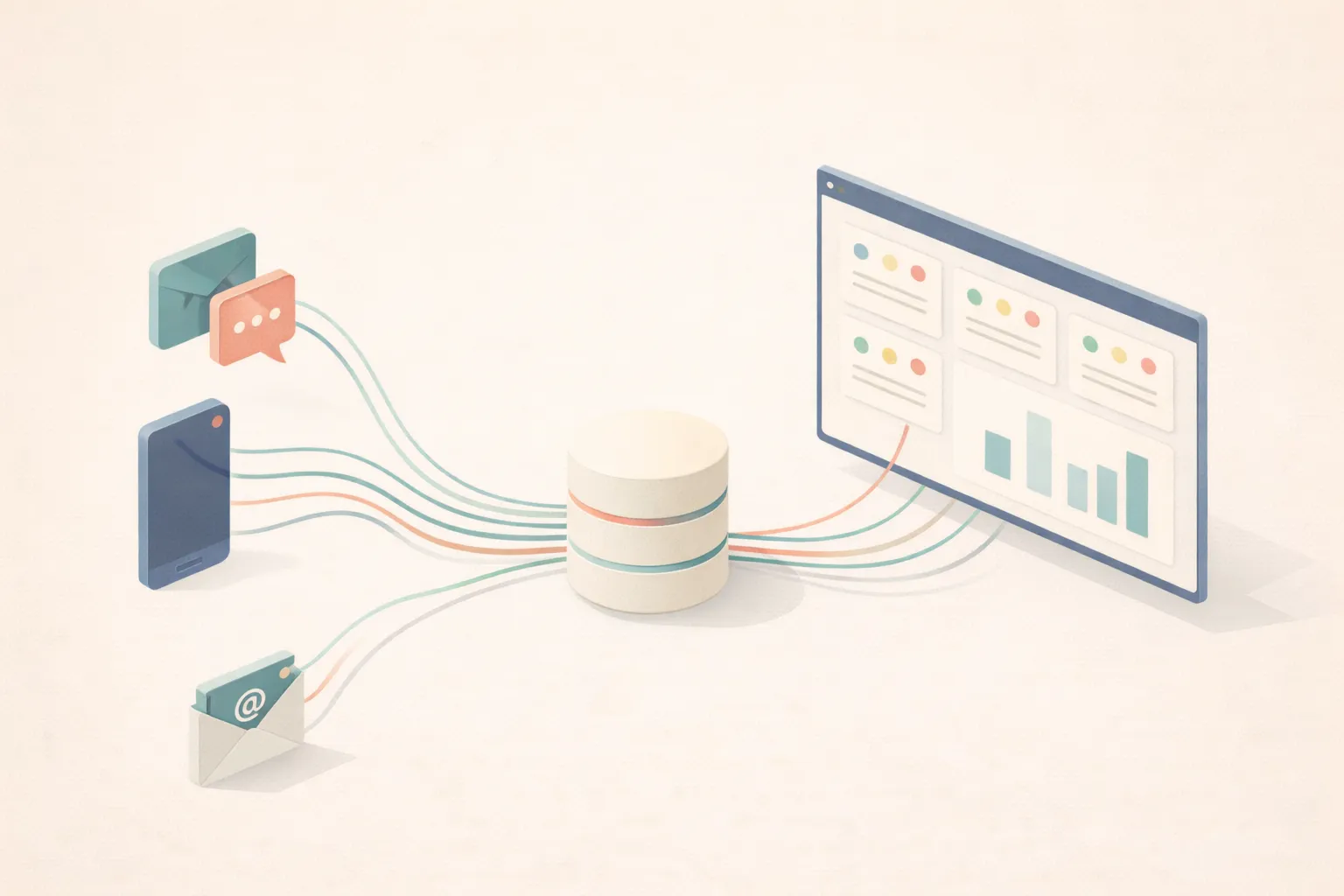
A home services client came to us with a familiar problem: they were growing, and their communication was breaking.
This is a recurring revenue business. Customers pay monthly for ongoing service. That model only works if customers stick around. Every churned customer means lost recurring revenue and a hit to business valuation (which is often calculated as a multiple of recurring revenue). Keeping customers happy isn’t just good service - it’s the entire business model.
Thousands of SMS messages. Hundreds of calls per month. Emails piling up. Multiple team members responding to customers across different channels.
The result? Missed messages. Slow response times. Frustrated customers who felt ignored. And the worst part: they had no idea which customers were about to churn until the cancellation email arrived.
We built them a communication intelligence system. Here’s how it works.
The Problem in Numbers
Before the system:
- No visibility into response times across the team
- No way to prioritize which messages needed immediate attention
- No early warning when a customer relationship was deteriorating
- Inconsistent quality in how team members communicated
The owner would find out a customer was unhappy when they cancelled. By then, it was too late.
What We Built
The system syncs every customer communication (SMS, calls, and emails) into a central database. But syncing is just the beginning.
Every message runs through AI analysis that answers four questions:
1. Does This Need a Response?
Not every inbound message requires action. A customer texting “Thanks!” doesn’t need a reply. A customer texting “My heater stopped working” does.
The AI reads each inbound message and flags whether it needs a response. This creates a priority inbox where only messages that actually require attention show up.
2. Is This Urgent?
Some messages can wait until tomorrow. Others can’t.
The system flags high-priority situations automatically:
- Equipment failures or malfunctions
- Safety concerns
- Customers expressing frustration or anger
- Time-sensitive requests (“we have guests coming this weekend”)
- Follow-ups on unresolved issues
- Billing disputes
A message about a broken heater in January gets flagged immediately. A question about next month’s schedule doesn’t.
3. How Professional Was Our Response?
Every outbound message from the team gets scored 0-100 on professionalism.
The scoring is context-aware. An SMS reply of “You’re welcome!” scores well because it’s appropriate for the medium. The same response in an email would score lower.
For calls, the AI analyzes the transcript. It only scores what the team member said, ignoring the customer’s side of the conversation.
This creates accountability without micromanagement. The team sees their average score. Managers can identify coaching opportunities. Everyone improves.
4. How Does This Customer Feel About Us?
This is where it gets interesting.
The system maintains a sentiment score for every customer, updated as new messages come in. The score adjusts based on signals in the conversation:
Negative signals:
- Unresolved issues in recent messages
- Explicit frustration or disappointment
- Complaints about service quality or response time
- Threatening to cancel or find another provider
- Repeated follow-ups on the same problem
Positive signals:
- Gratitude or praise
- Compliments on specific team members
- Issues resolved with customer satisfaction
- Quick approvals of quotes
- Friendly, engaged communication style
The AI also tracks the trend: is this customer’s sentiment improving, stable, or declining? A customer who was frustrated last week but happy today is different from one trending the other direction.
The Dashboard
All of this surfaces in a single interface.
• Average response time
• Missed call rate
• Team professionalism score
• Volume trends over time
• High-priority items highlighted
• Time waiting for each message
• AI summary of each situation
• Recommended next action
• Sentiment score and trend
• AI relationship summary
The AI Summary
Here’s what the AI generates for each customer. Two real examples:
High sentiment (Score: 92)
“Long-term customer with consistently positive interactions. Recent service visit (Jan 12) went smoothly. Customer thanked the team by name and mentioned they’ve already referred two neighbors. No open issues. Last communication was a friendly check-in about scheduling. Relationship is strong.”
Low sentiment (Score: 34)
“Customer has two unresolved equipment issues (Dec 28, Jan 8) with slow response times on both. Sent three follow-up messages in the past week expressing frustration. Most recent message (Jan 14) mentioned ‘looking at other options.’ Relationship is deteriorating. Recommend immediate manager callback to address concerns before churn.”
This is what a team member sees when they open a customer record. No digging through old messages. No trying to remember what happened last month. The context is right there, and at-risk customers are surfaced before they become cancellations.
The Technical Stack
Sync to database
Transcription fetch
AI analysis trigger
Gemini 2.5 Flash
Custom prompts
JSON output
Real-time sync
Priority inbox
At-risk alerts
The cost? Processing 6 months of historical data (11,000+ messages) cost $11 in AI usage. Ongoing analysis adds pennies per day.
The Results
After implementation:
- 11,000+ messages processed with full analytics
- Response time dropped significantly with clear priority queues
- 25% missed call rate is now visible and trackable (previously unknown)
- At-risk customers identified early through sentiment scoring
- Team professionalism measurable and improving (currently averaging 87/100)
You can’t improve what you don’t measure.
The service manager now starts each day knowing exactly which customers need attention, which messages are waiting, and where the team is excelling or struggling.
Before vs. After
• No idea which needed responses
• Unhappy customers discovered at cancellation
• No visibility into team communication quality
• Response time? Unknown.
• Priority inbox shows what needs attention
• At-risk customers flagged before they churn
• Professionalism scores drive improvement
• Response time tracked and improving
The Principle
Most businesses treat customer communication as a task to be completed. Message comes in, someone responds, done.
But communication is data. Every message contains signals about customer satisfaction, team performance, and relationship health. The problem is that humans can’t process thousands of messages and extract those signals consistently.
AI can.
This isn’t about replacing human judgment. The team still reads and responds to every message. The AI just makes sure nothing falls through the cracks, priorities are clear, and trends are visible before they become problems.
If you’re handling significant customer communication volume and feel like you’re always playing catch-up, the data you need is already there. You just need a system to extract it.
For a similar approach applied to call recordings, see how to turn your transcripts into a searchable knowledge base.
Written by
Eduardo Chavez
Director, Costanera